VR wayfinding
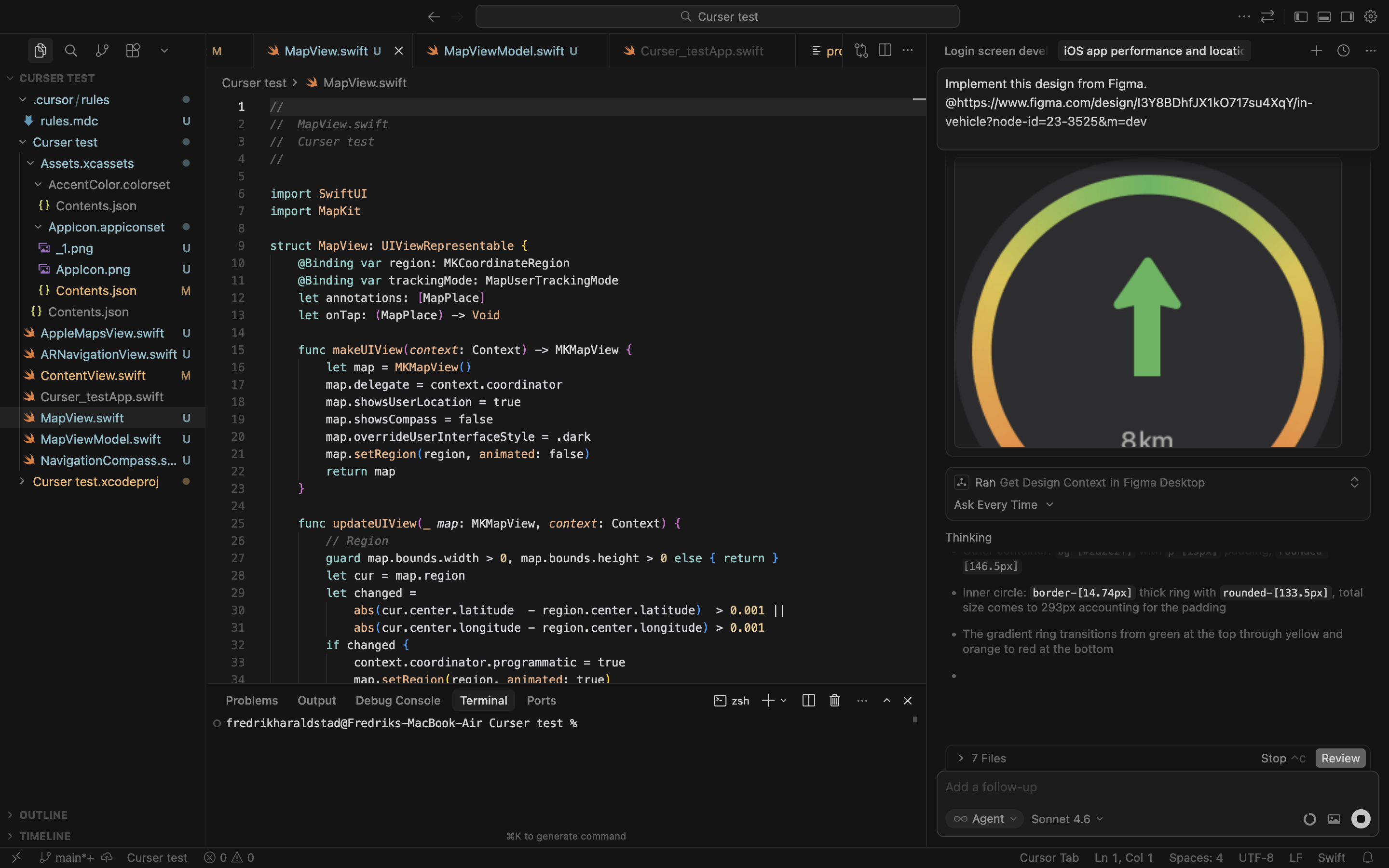
This project started by finding ways to prototype with better tools. I wanted more functionality so I could user-test more realistically. I hooked up Cursor AI with Xcode (Apple) and forked Apple Maps to be able to make my own version, which resulted in a new way of navigating with the help of VR and GPS feedback.
Personal project · 2026
- (Interaction design)
Process
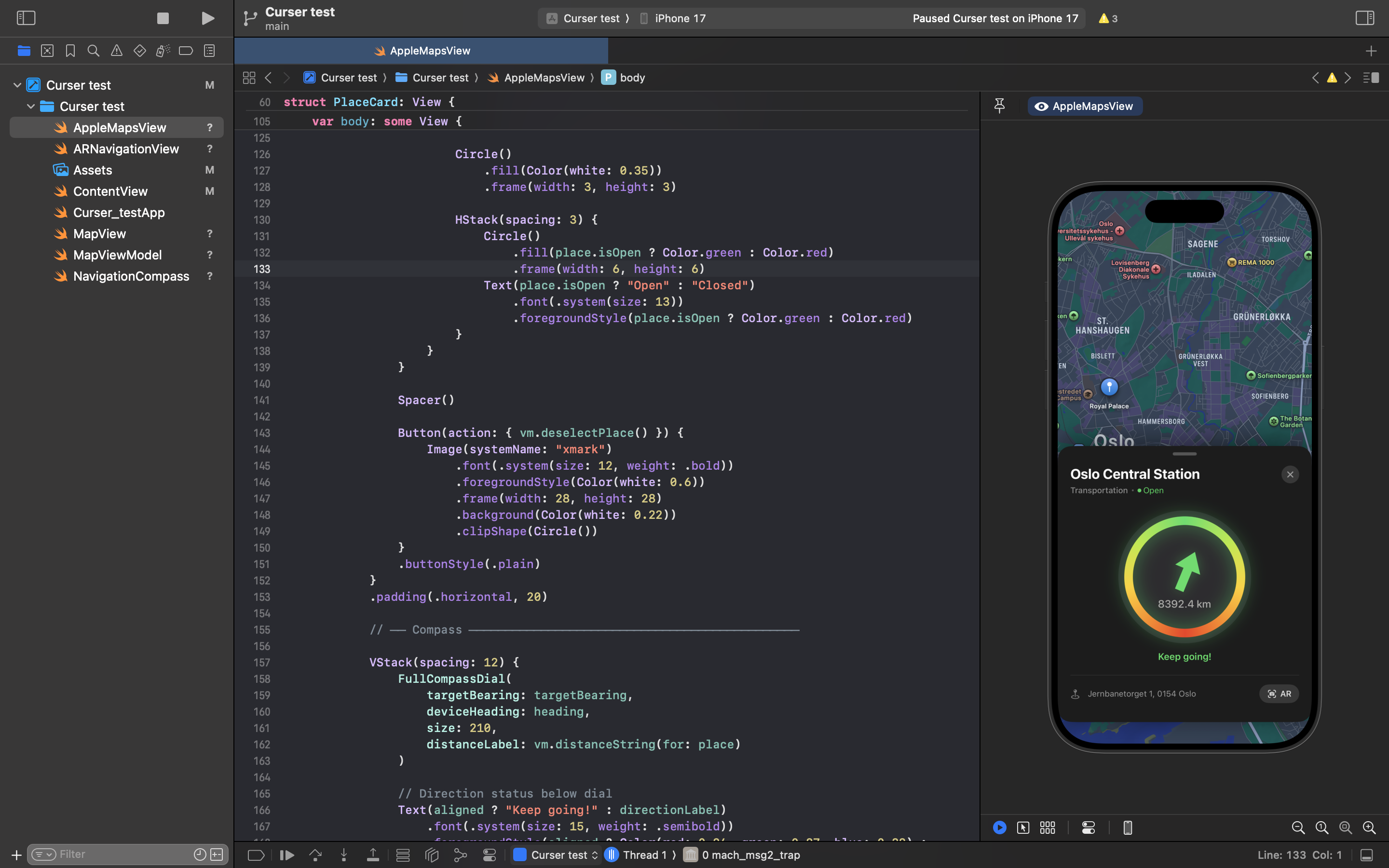
I designed components in Figma, then used the Figma MCP to connect directly with Cursor — which is hooked up to Xcode. This lets me write SwiftUI code and test in Apple's native environment.
Most importantly, it lets me download the app I've built directly onto my phone, unlocking real hardware like the camera and GPS — making it possible to prototype and test with full fidelity.
 Figma
Figma Cursor
 Xcode
Xcode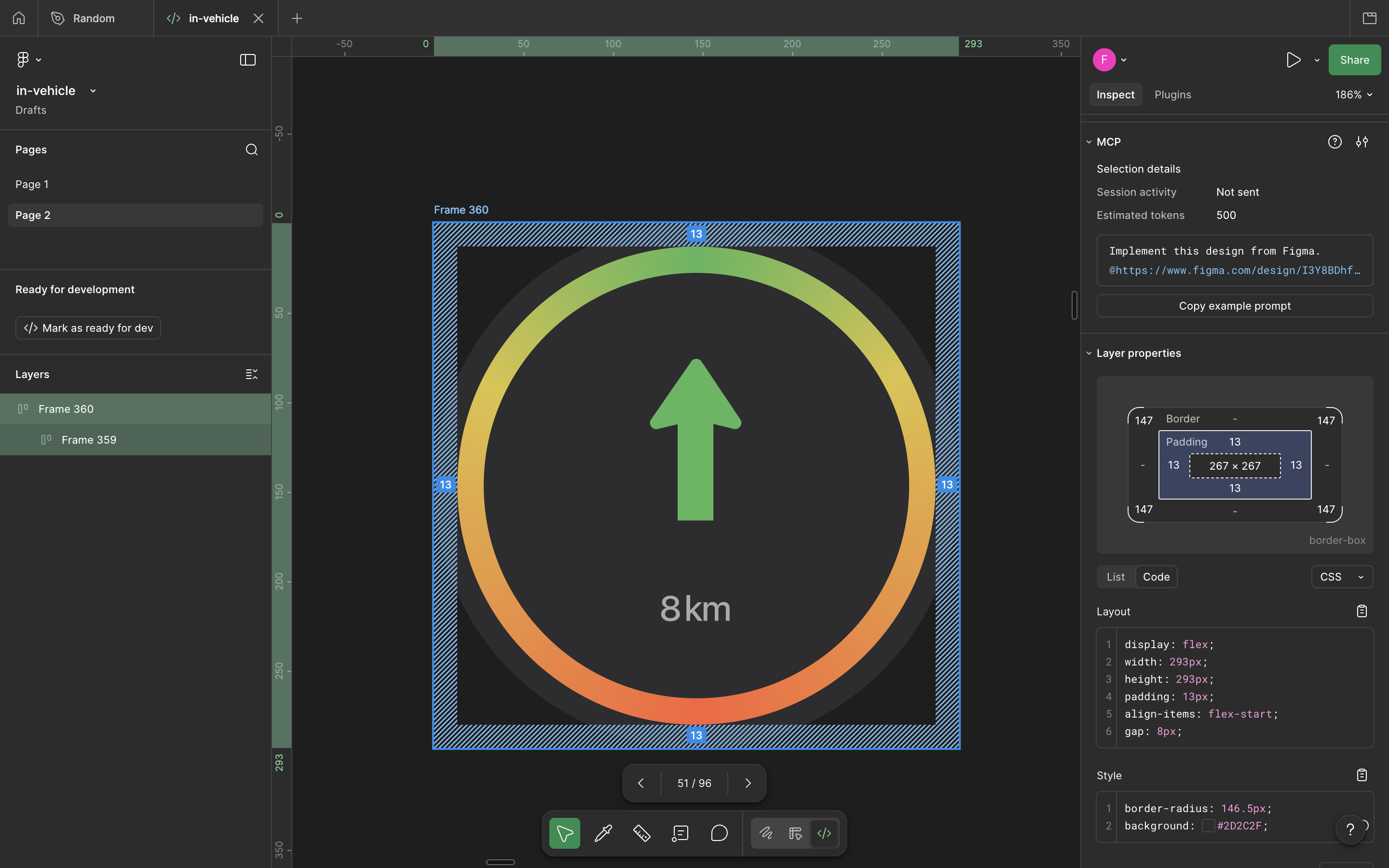
Context
Using Apple Maps for walking, with rapid wayfinding in focus.
Pain point one — From experience I recognised an uncertain moment that arrives right after pressing “Start route” — which direction am I actually going? The blue dot is small, is it this way or that?
To tackle this I designed a compass that immediately addresses the user's direction — removing the hesitation and giving a clear, confident start to the journey.
Press Start
Large compass
Incentive to start walking
Small blue dot
Unsure of direction, waits
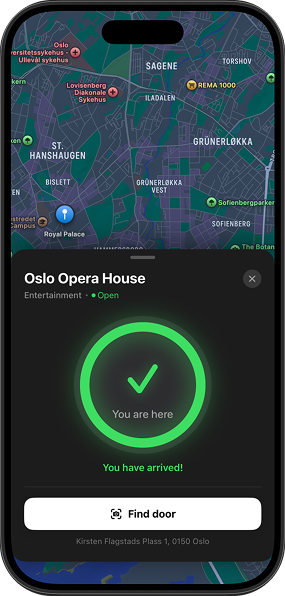
Pain point two — The second problem area I wanted to explore was being close to the target but not knowing the exact building or door. Could VR help here?
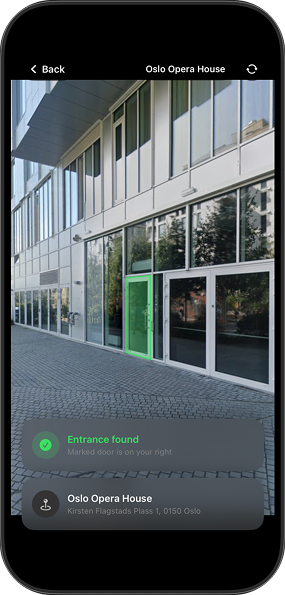
I designed a VR mode in the map that lets the user point the camera at a specific building to mark the right door or entrance — turning the final metres into a clear, guided moment.
You have arrived at your destination
Scan with camera and compass
Mark door or building
Testing
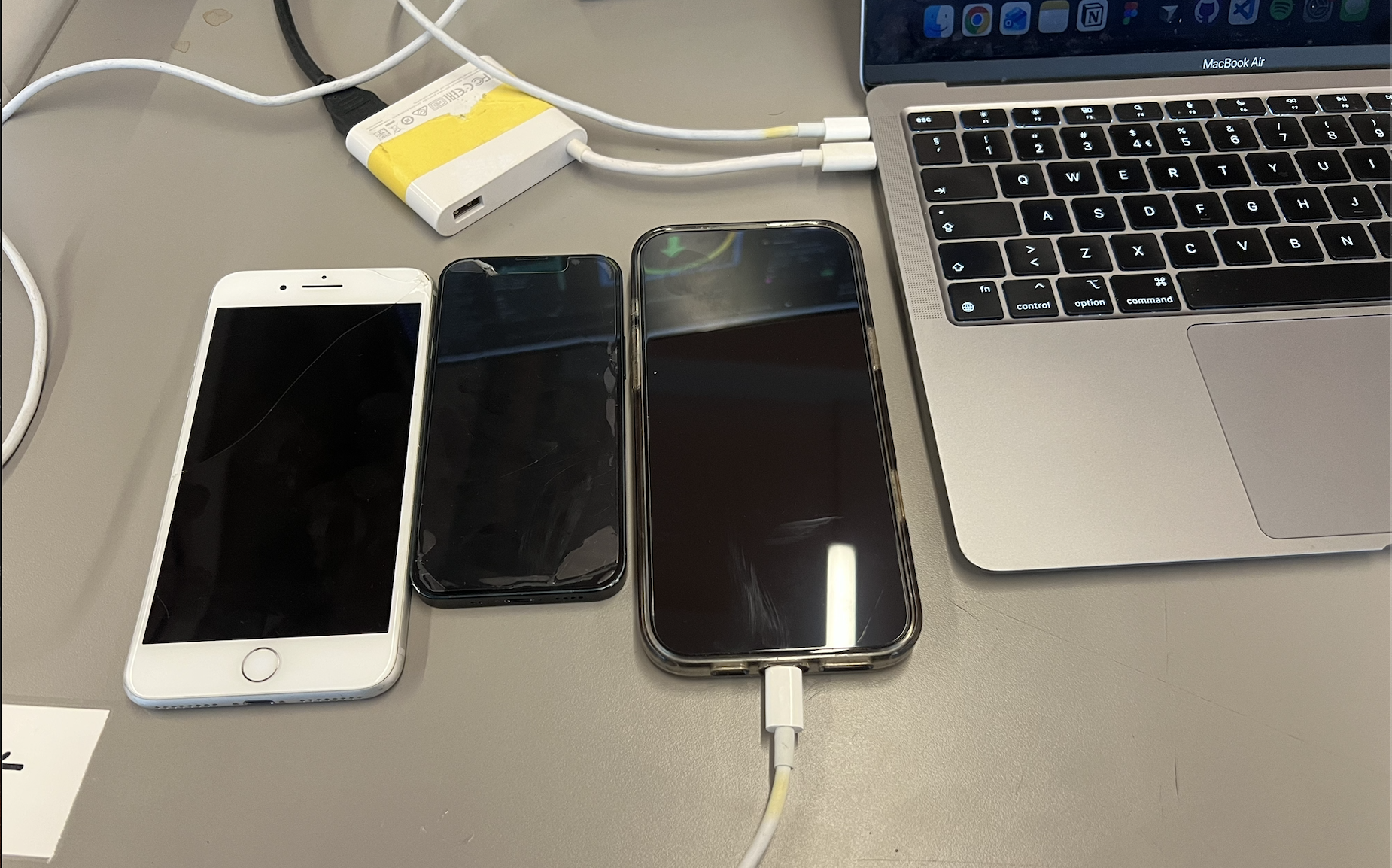
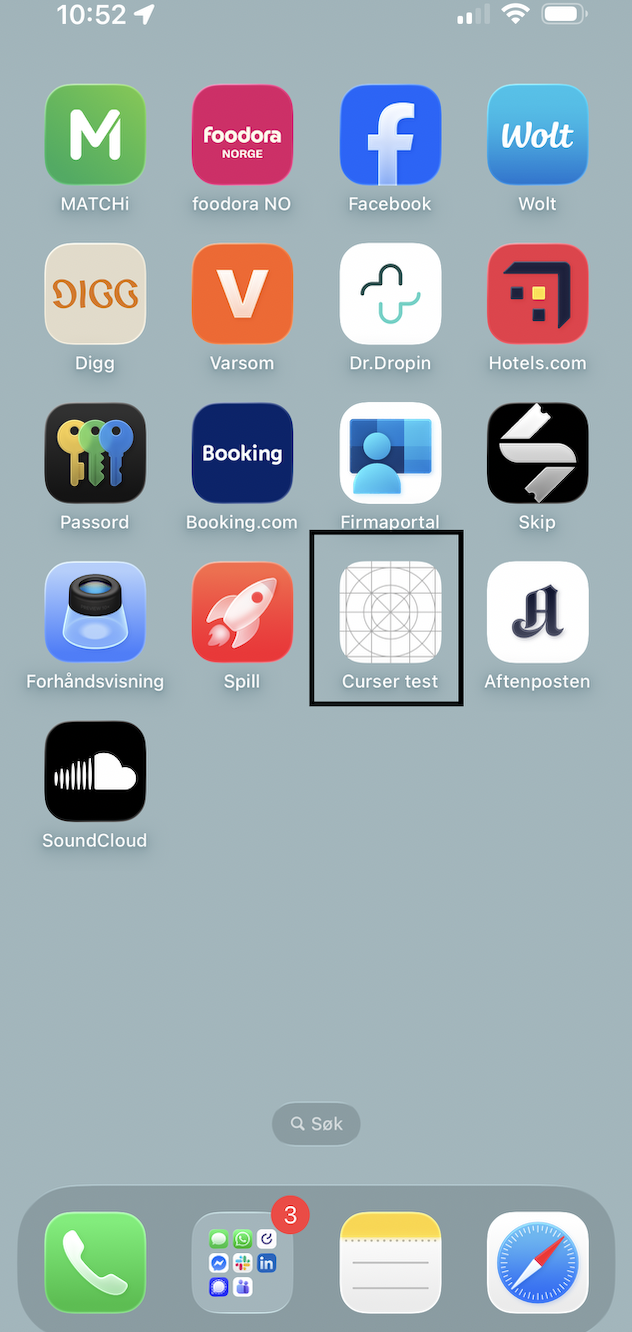
I started this project because I wanted to test more realistically — so let's get into it. By building this application in Xcode I was able to download it onto my own phone, but also turn on developer mode on three of my friends' phones and install it on theirs too.
This meant they could use the app with a fully functioning GPS and camera — enabling a completely new way of testing. No more “can I click this?” or “where do I go from here?” or “why isn't the camera working?”
The app was taken seriously from the start. The feedback was about the design and the functionality — not about what was broken or missing.
“It disappeared kind of fast for me. I was still looking at it when it was already gone.”
“The overlay label was a bit hard to read against a bright white building facade.”
Design proposal
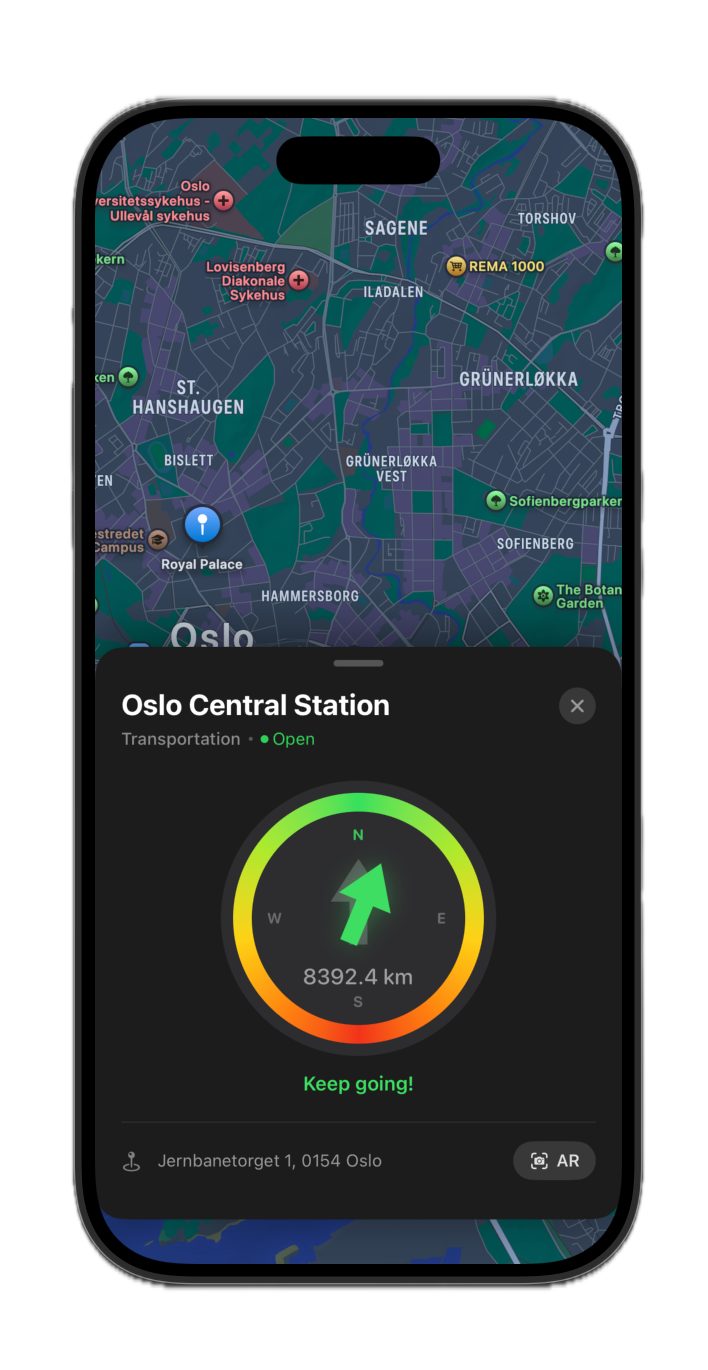
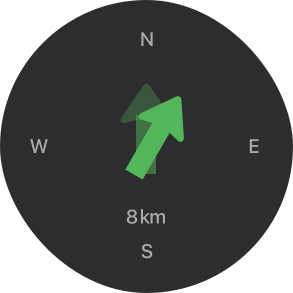
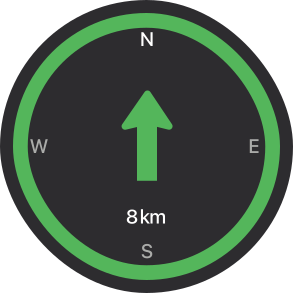
Used Apple's design system to design a compass. The compass is clear on what is the correct direction, which helps the user get the information they need to start walking.
Trying to design a solution for the problem of arriving at a destination but still wondering — where is the right door, bench, or building? Using speculative design to design an AR concept to mark the correct entrance or building, made possible by combining the camera in AR view with an algorithm that analyses doors and buildings.